
Pinterest for bloggers
and small shops.
If you have a website, you have pins waiting to happen.
MORE SHOPPERS
Show your listings to people ready to buy.
Turn your Etsy listings into pins that link straight to each item. A pin can keep getting saved for months after you post it.
Best sellersGift guidesSeasonal listings
Make my first pins 

MADE FOR EVERY DAYMeet your new morning favorite.clayandco
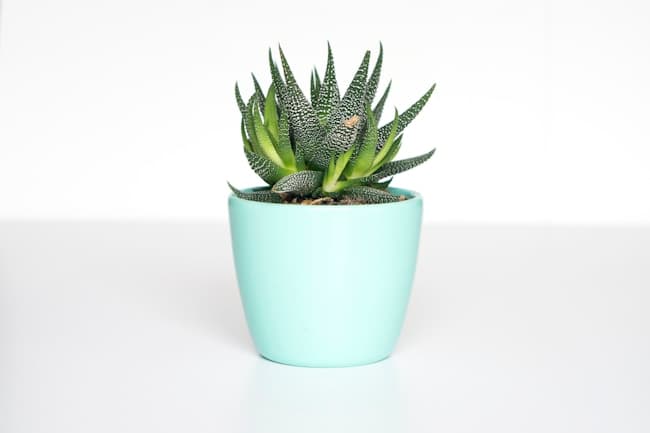
MAKE ROOM FOR GREENSmall changes. A greener home.thegreenedit
WORKS WITH YOUR SITEYour posts are
Your posts are
ready to be pins.
Paste your link. Pinsevo makes pins from your posts and pages, and each one links back to your site. Works with WordPress and most blogs and shops.
Finds the pages worth pinning
Every pin links to its own page
For blogs, shops and portfolios
Approve once, then it posts at your pace
READY WHEN YOU AREYour next visitors
Your next visitors
are on Pinterest.
Paste your Etsy or website link and see your first pins in minutes.
Make my first pins No credit card needed.